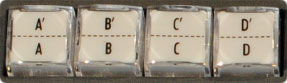
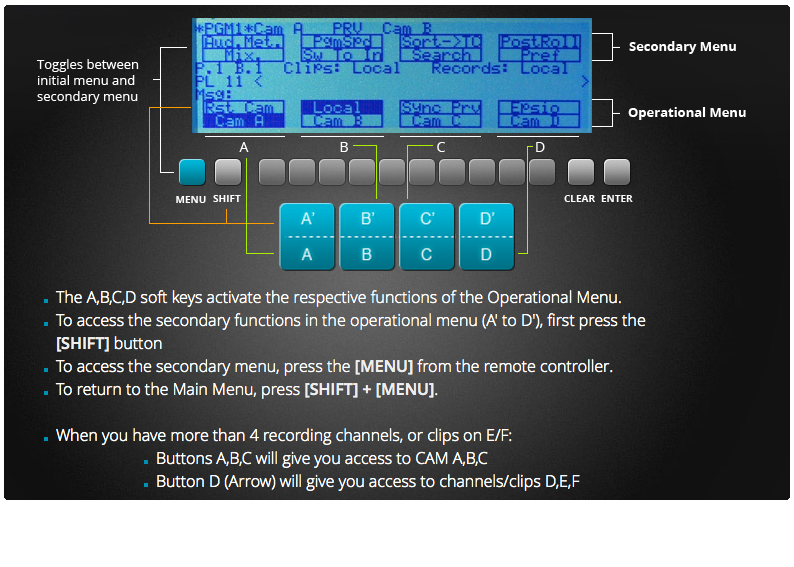
- The A,B,C,D soft keys activate the respective functions of the Operational Menu.
- To access the secondary functions in the operational menu (A' to D'), first press the [SHIFT] button
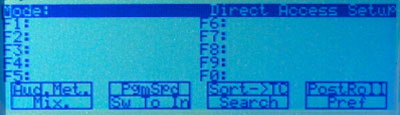
- To access the secondary menu, press the [MENU] from the remote controller.
- To return to the Main Menu, press [SHIFT] + [MENU].
- When you have more than 4 recording channels, or clips on E/F:
- Buttons A,B,C will give you access to CAM A,B,C
- Button D (Arrow) will give you access to channels/clips D,E,F